LIGHTER BUTTONS,
SAME GRIP.
Every picture here is the game itself: iPhone 16 landscape with its safe areas, DARK VIVID at full night, a real match on Backyard, a foe standing behind the right-hand buttons so you can judge what shows through. Daylight and a desktop screen are one tap away in section 01.
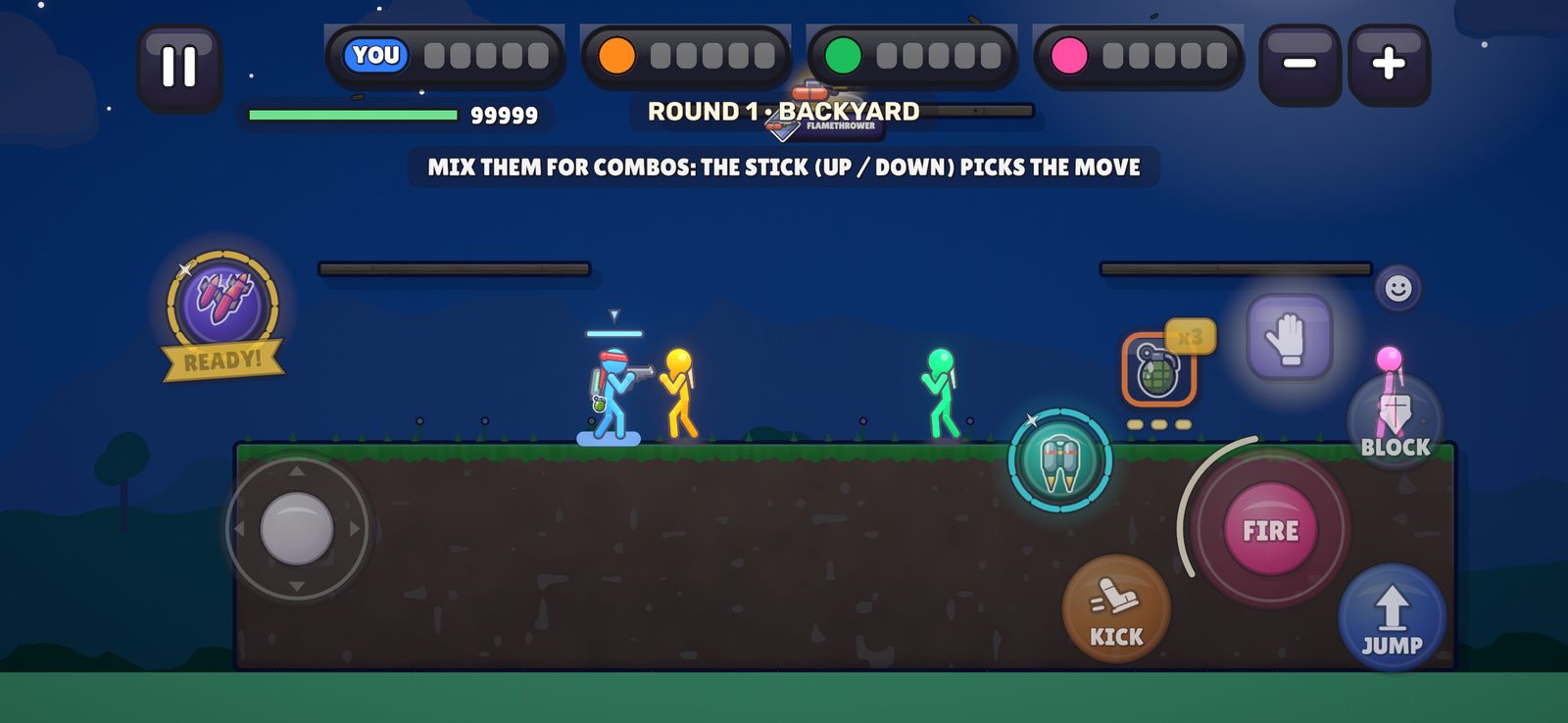
BODY + ICON OPACITY
Round two, much lower. Body is the button’s coloured disc (the Settings slider, 50% today), now from 5%. Under 50%, everything that made the buttons look bright at low settings now fades with the body too: the ink rim, the drop shadow, the gloss, the inner ring, the stick’s glass and arrows, the knob, the SKY / GEAR medallions and ITEM’s count tag. So 5% really is faint. Icon is the white glyph and word on top, on its own dial. Every button still jumps to 100% while your thumb is on it (the pressed picture below).
YOU SAID“its still alot bright and opaque, please put options like very low one from 5%”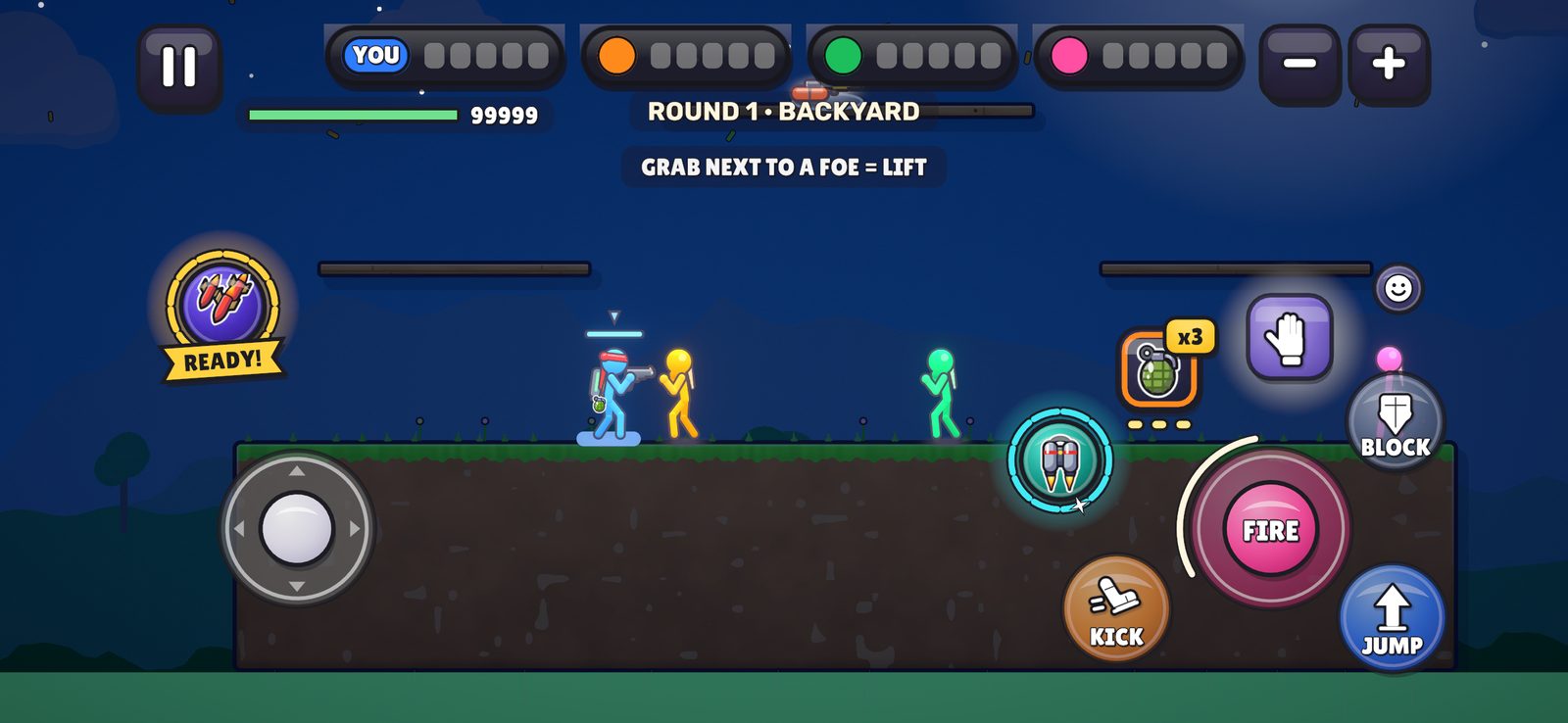
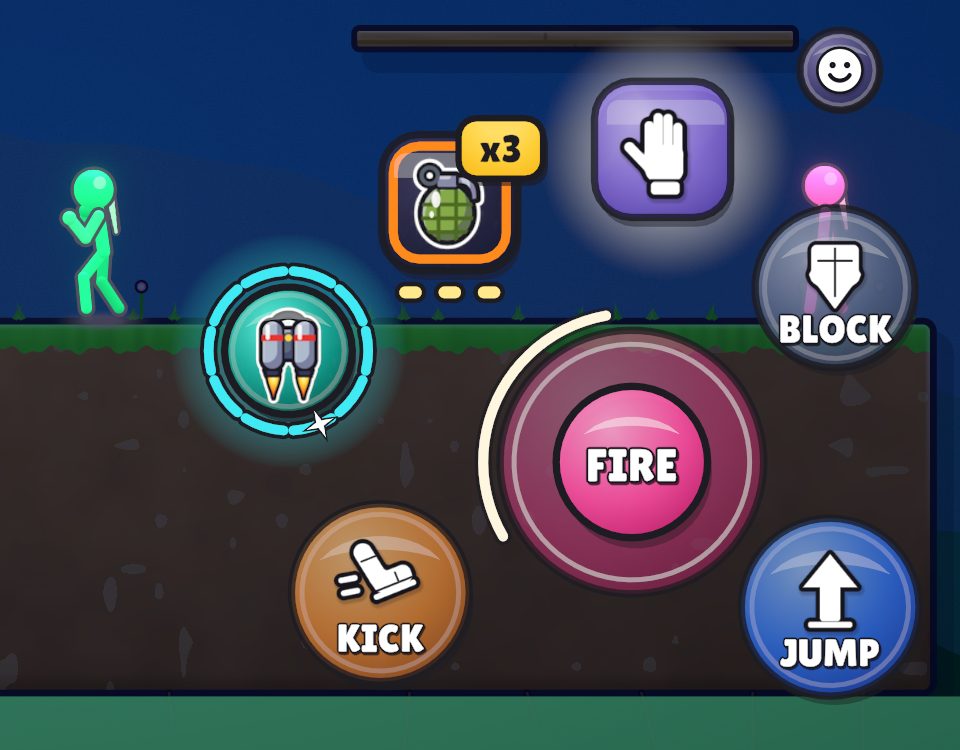
YOUR THUMB BRINGS IT BACK
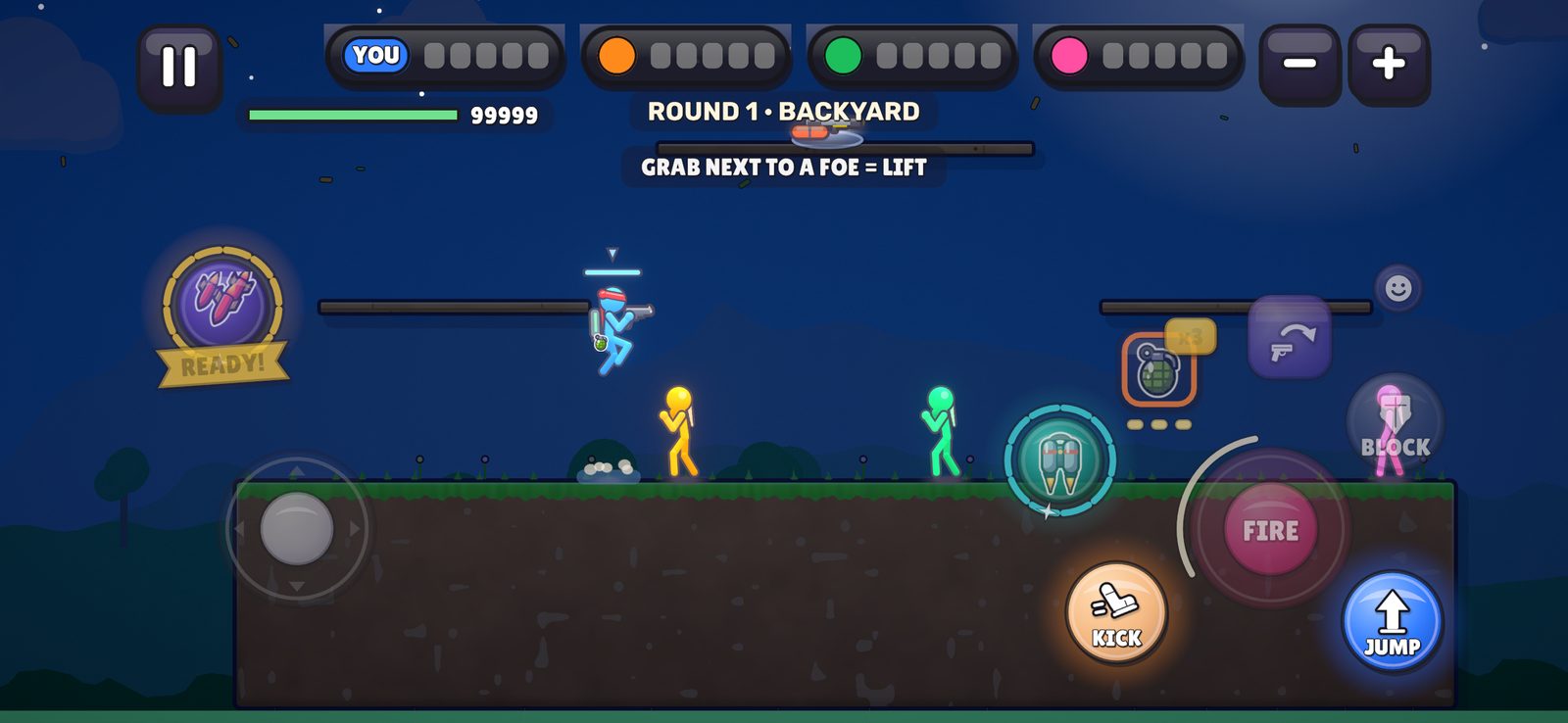
Under your thumb a button is always 100%: body, rim, gloss and icon. Here JUMP and KICK are held while everything else stays at 15% / 35%. Let go and it fades back.
What can’t go lower: nothing is pinned now. At 5% the rim keeps about a quarter of its ink so you can still find the button’s edge; the medallions keep about a third, and ITEM’s count tag about a quarter.
NO DOTS WHERE BUTTONS HIDE
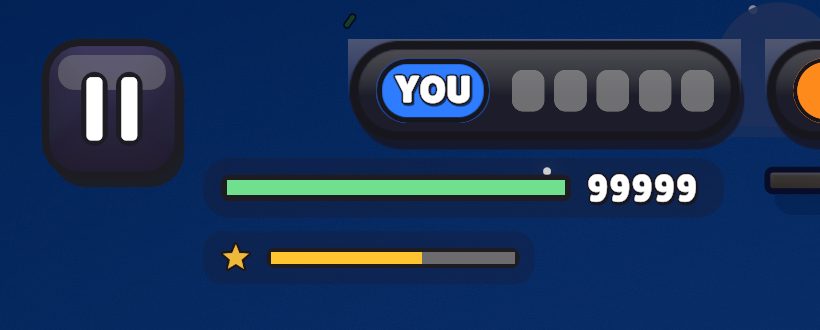
Before, every empty rail spot had a faint white dot, and the SKY spot carried its small gold charge ring. In this build both are gone. A button that can’t be used simply isn’t there; it pops in at its spot when it can. The sky power’s charge is back as the thin gold line under your health (top left), which you can see in the “after” picture. Drag the handle.
YOU SAID“we dont need that dots, in place of buttons that hides”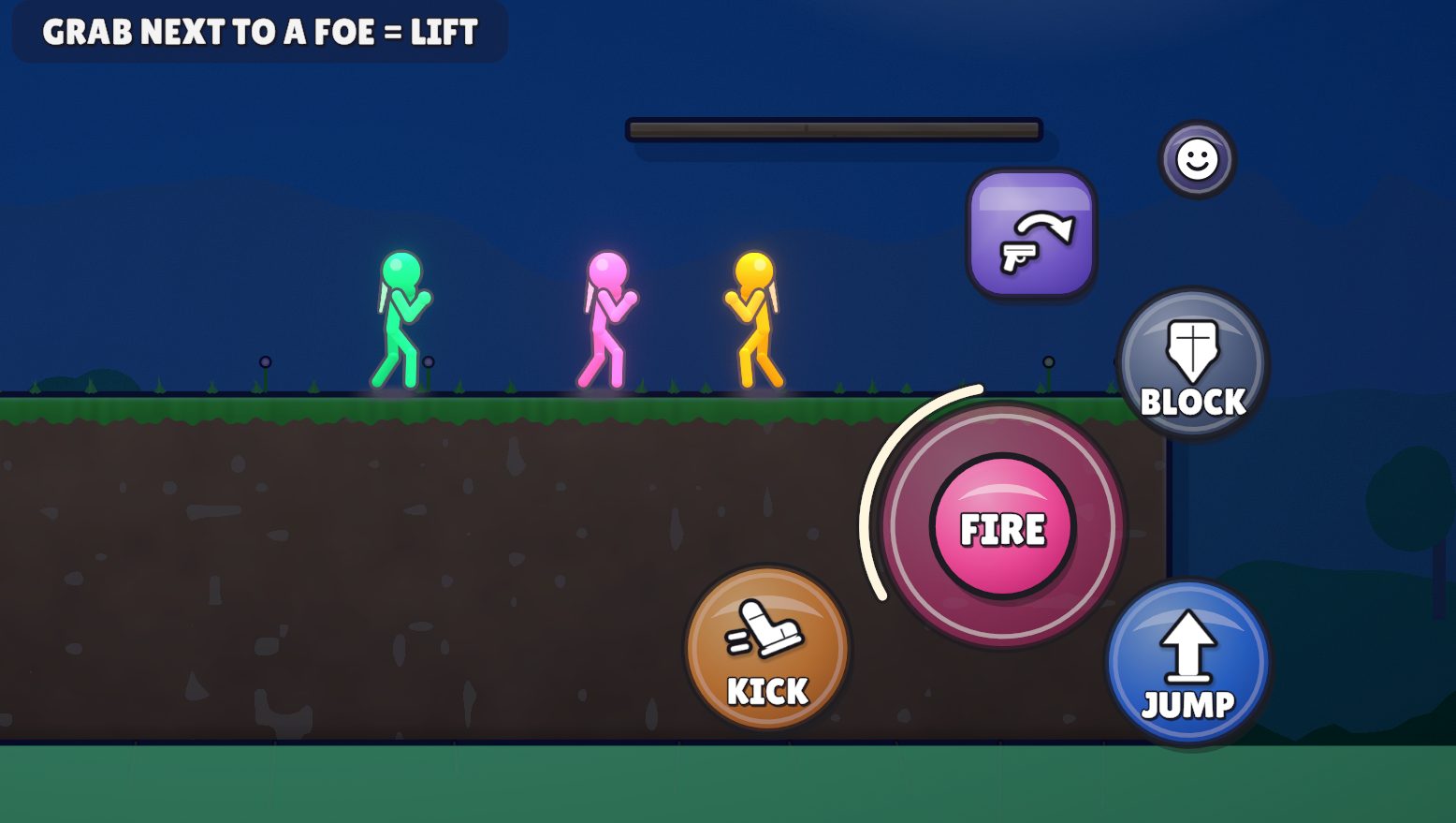
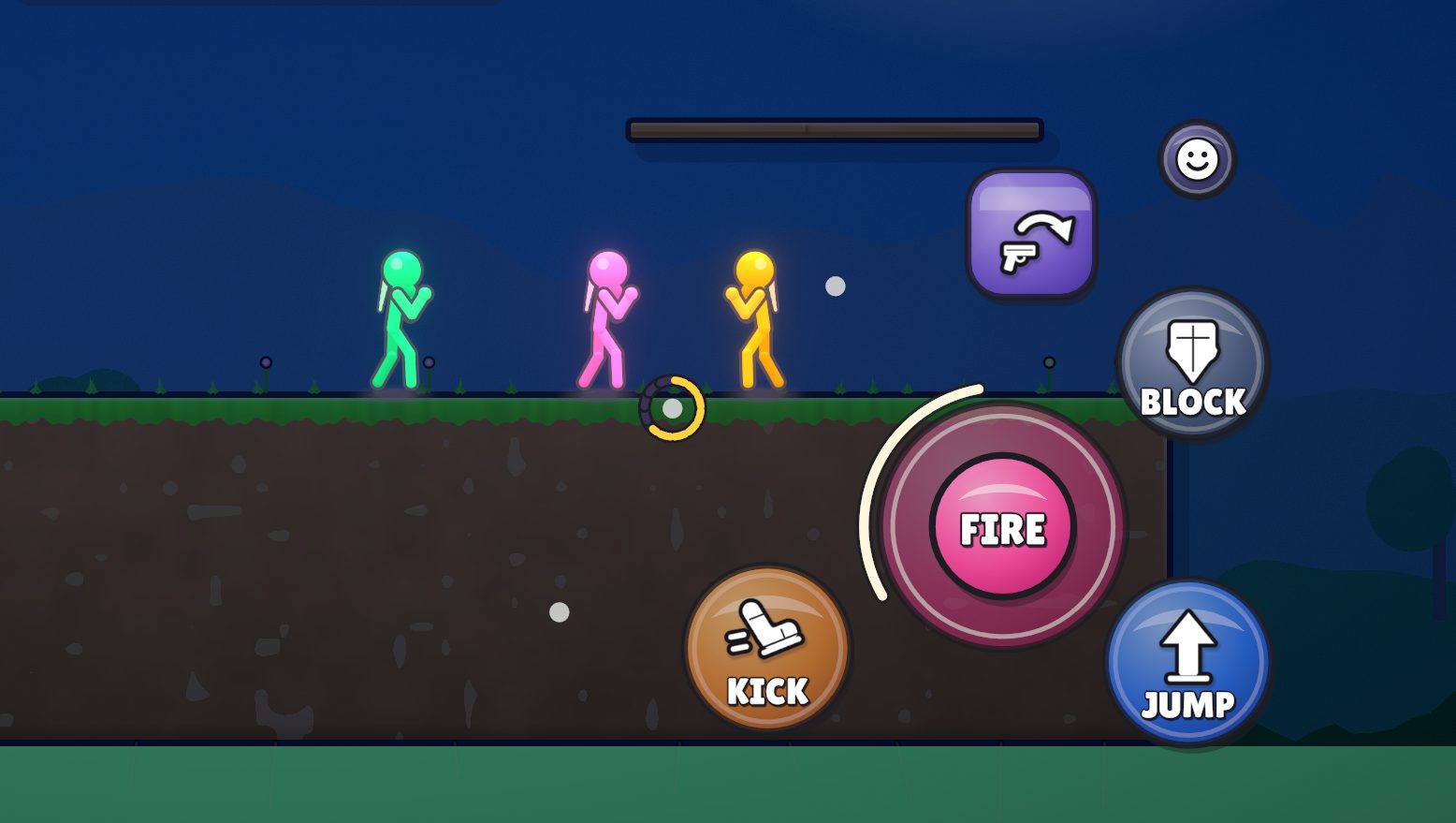 DOTSKY RINGDOT
WHERE THE SKY CHARGE WENT
With no ring on the rail, the sky power’s charge shows as the thin gold line under your health again (this build, top left). When it is full, the SKY medallion pops in on the left.
GRAB / TOSS, ALWAYS THERE
The purple chip above FIRE never leaves now, so your thumb always knows where it is. With nothing to grab or toss it rests as a dimmed hand; holding any weapon it is TOSS; next to a foe it lights up as GRAB with a soft pulse (tap again to throw). Same crafted chip, same spot.
YOU SAID“grab/toss should be always there”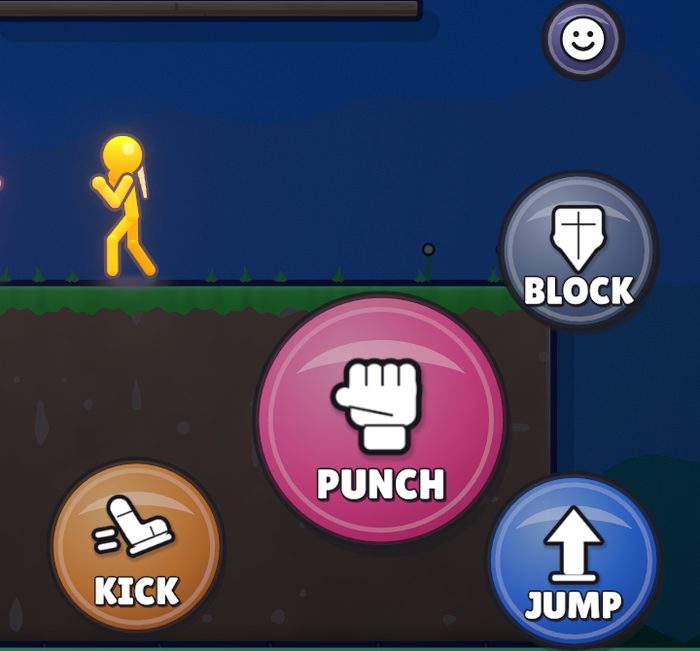
BEFORENOTHING THERE
Empty hands, nobody near: the chip was gone. You had to wait for it to pop in.
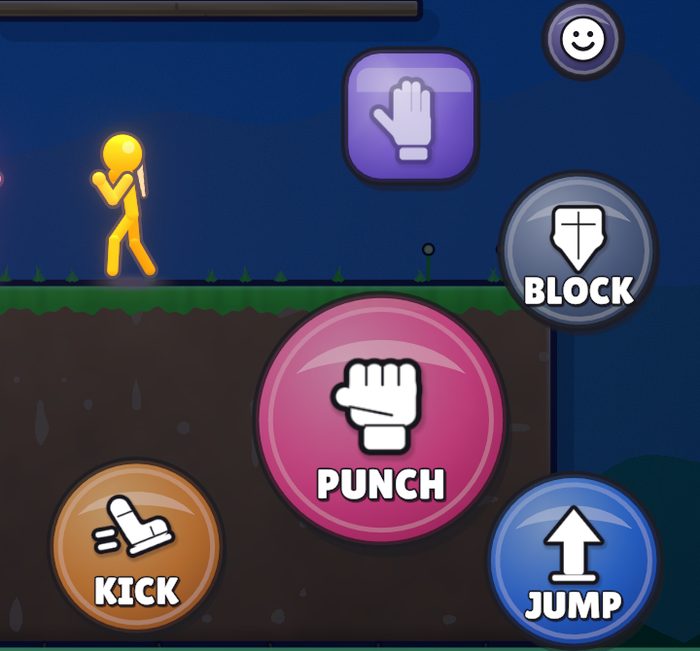
NOWRESTING HAND
Same moment: the hand waits in its spot, dimmed to half so it doesn’t shout.
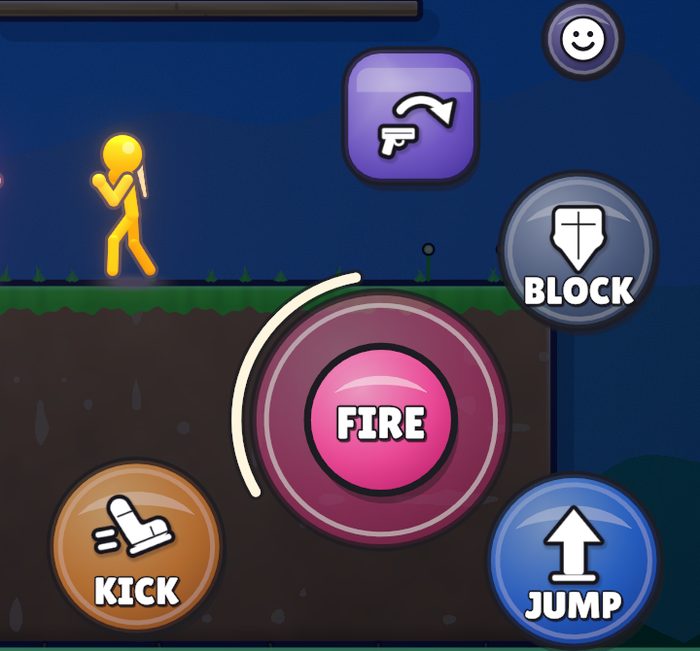
NOWTOSS
A weapon in hand: the chip throws it (the tossed-gun picture).
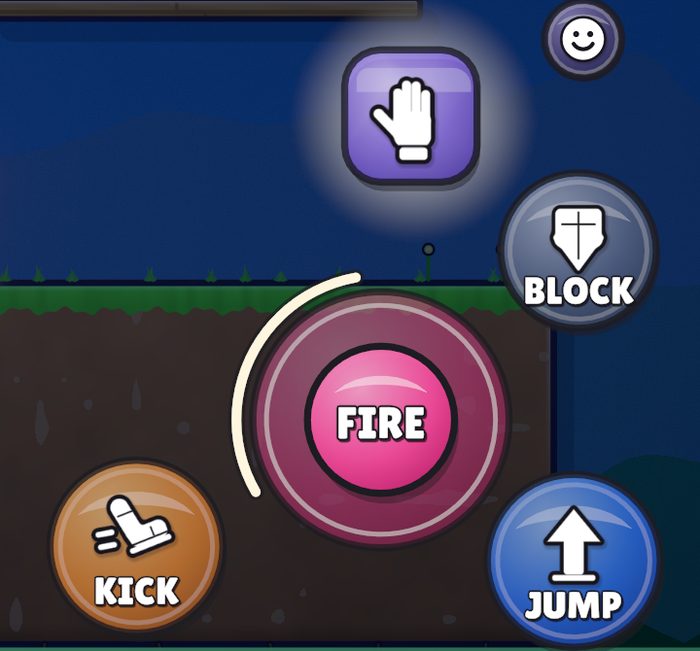
NOWGRAB
A foe in reach: the hand lights up with a pulse. Tap = lift, tap again = throw.
SKY POWER ON THE LEFT
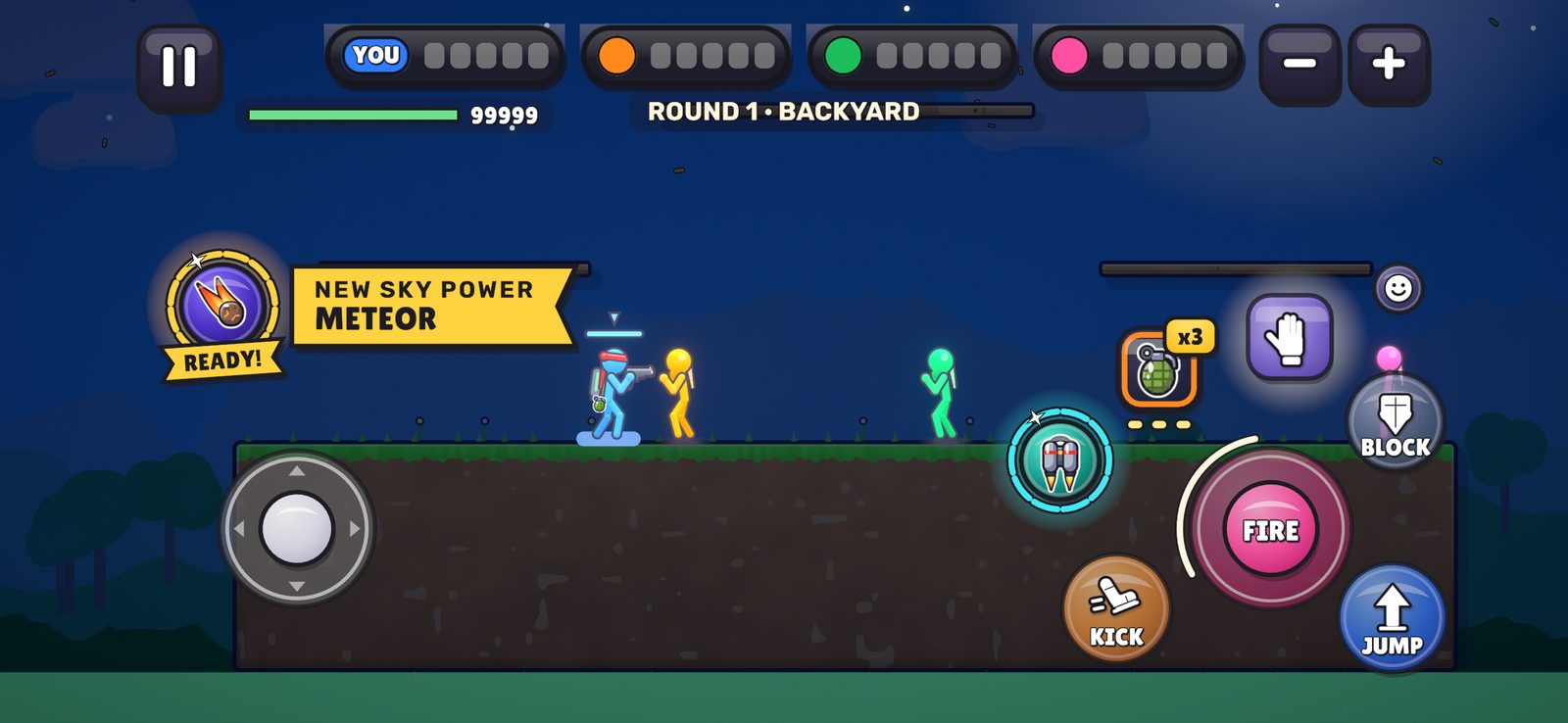
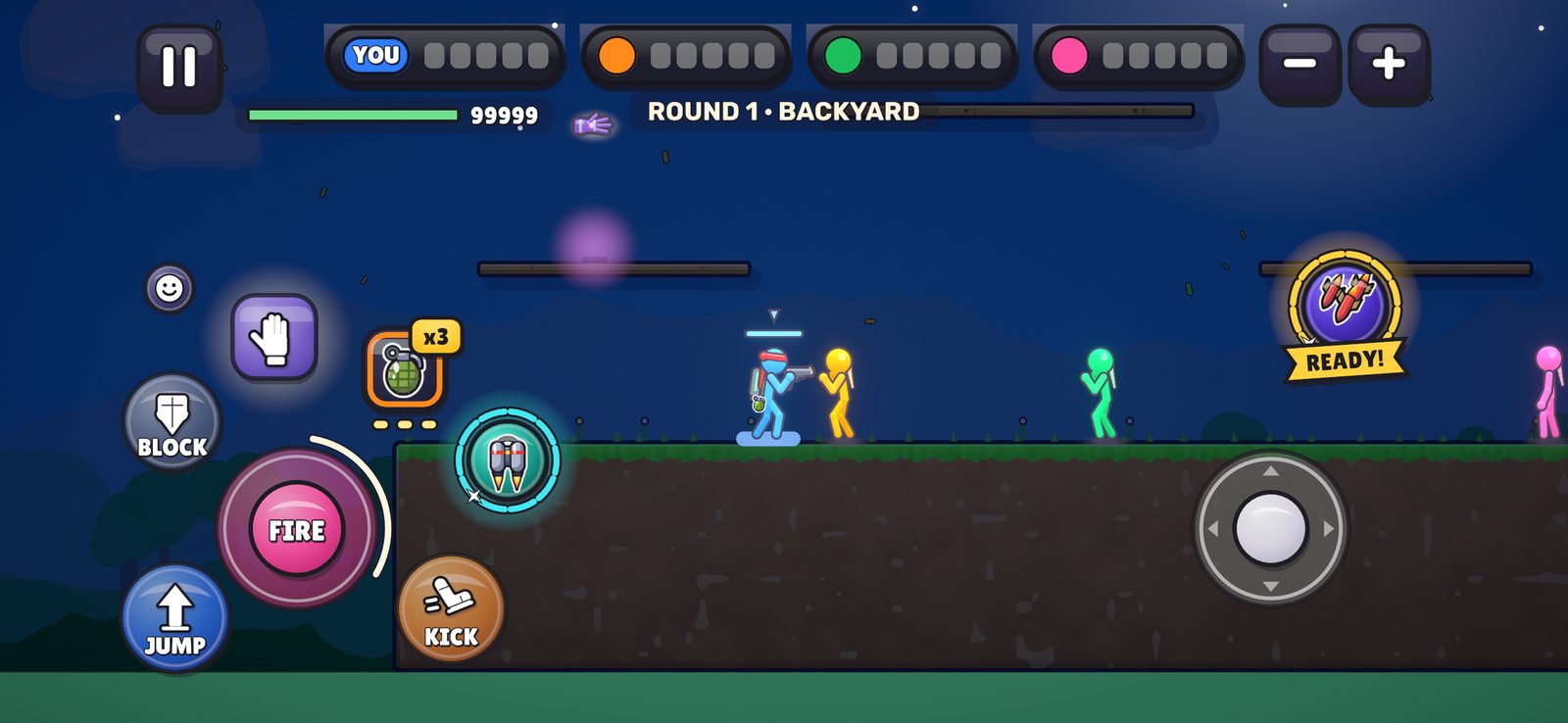
Only the SKY POWER medallion moves to the left thumb. Everything else stays right. Every spot below keeps at least 150 units (centre to centre) from the move stick, so a thumb that lands near the stick still grabs the stick. They all stay clear of the health bar and the iPhone’s safe area, and swap to the right side in left-handed mode. You picked B; this build uses B.
YOU SAID“only sky power can go to left, so organize it like that”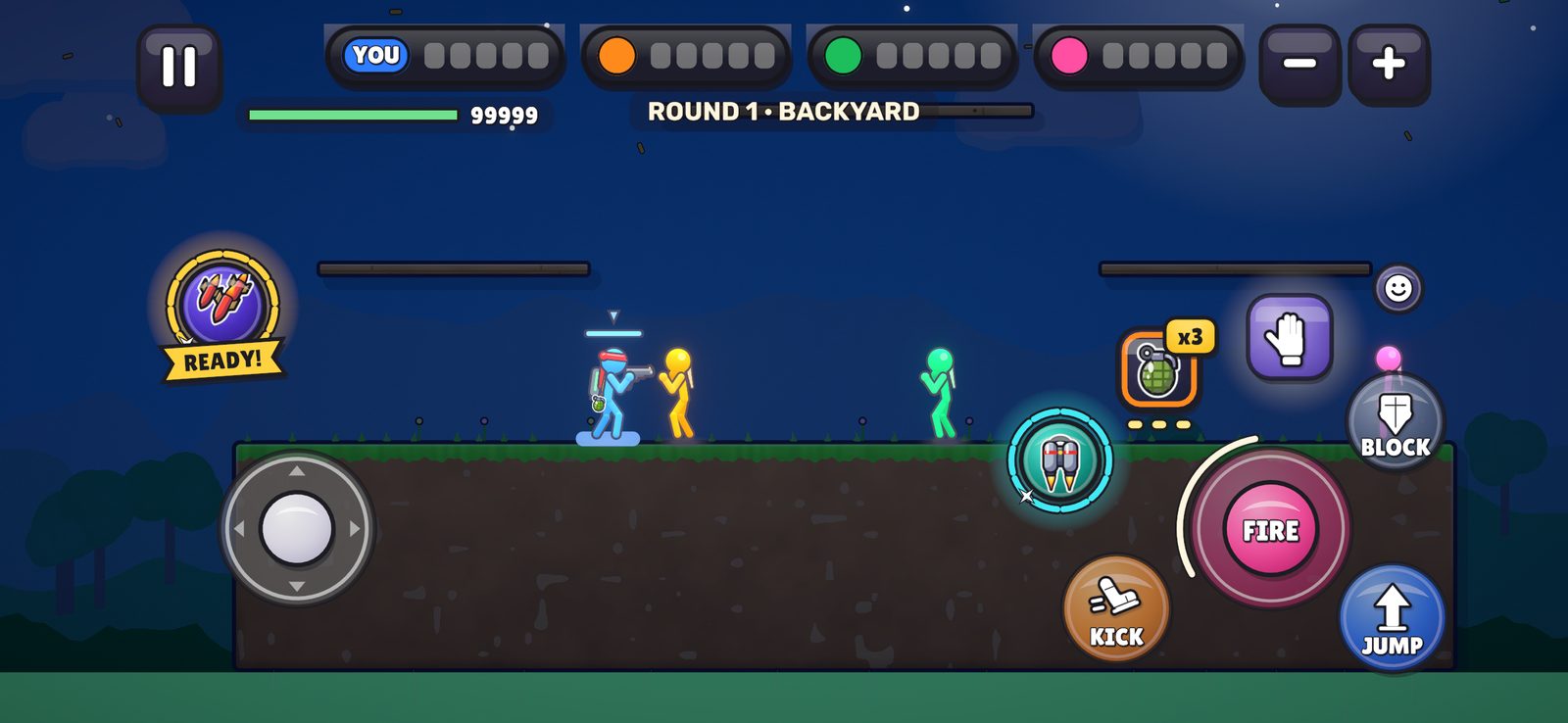
B · LEFT EDGE, HIGH
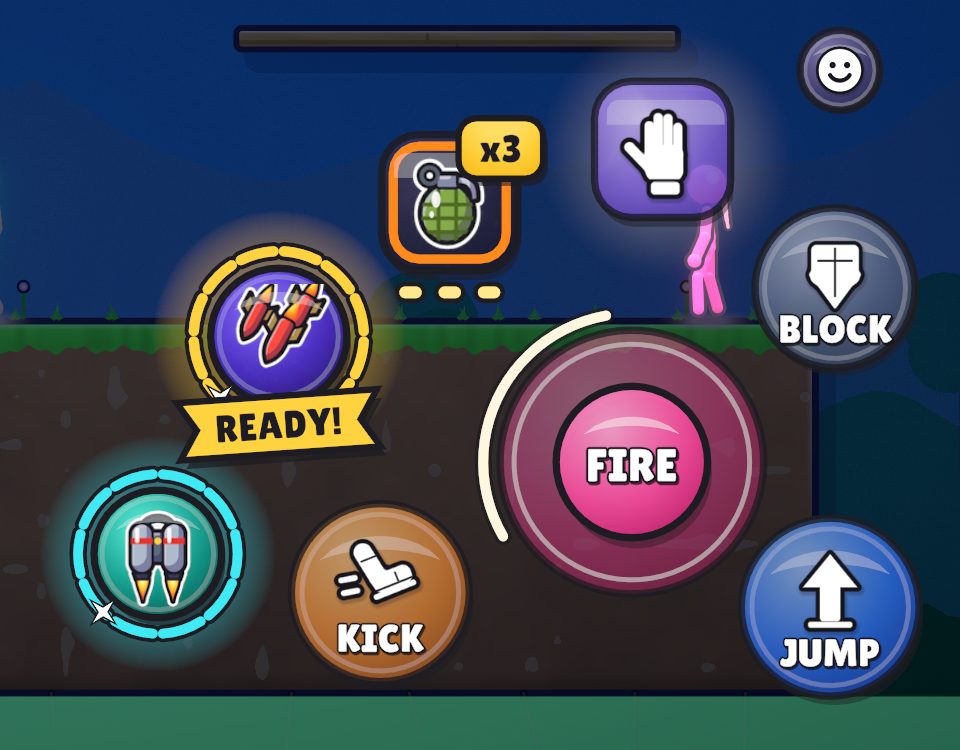
BEFORE: SKY on the rail, GEAR down in the corner by KICK, GRAB only when usable.
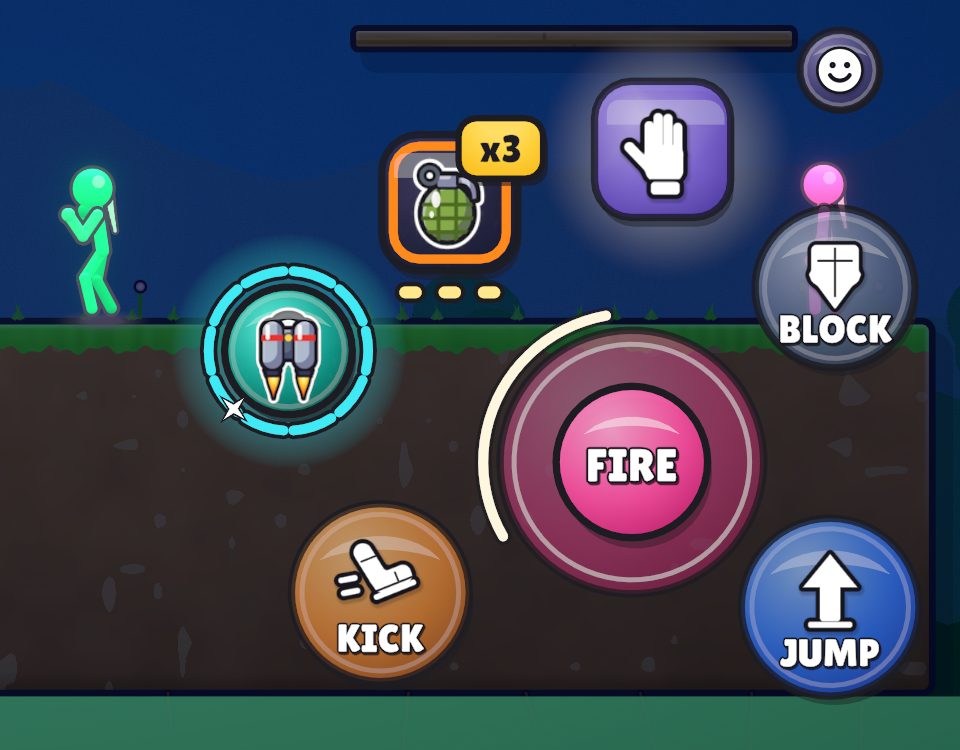
NOW: GEAR moves up into SKY’s old spot, nearer your thumb. GRAB / TOSS stays put, ITEM is unchanged.
THE RIGHT, RE-FLOWED
The right thumb keeps FIRE, JUMP, KICK and BLOCK, plus the rail: GRAB / TOSS (always), ITEM (with a throwable) and GEAR (with gear). The bottom corner by KICK is empty again.
OUR PICKS, TOGETHER
- BODY ·
- ICONS ·
- DOTSremoved · your pick, in this build.
- GRAB / TOSSalways · your pick, in this build.
- SKYB, left edge · your pick, in this build.
After your pick, only the two opacity defaults change. Players who set their own opacity keep it.

Captures: ctrllab:calm:opgrid,dots,grab,left:backyard:night (+ :day, and 1600×900 for the desktop) from branch fb-controls. The opacity dials are Tunes (Controls > Opacity, Icon opacity), so the pick is a default change only.