EVENTS · how it will look
The new EVENTS feature: a time-limited mode with special rules (the example here is MINIGUN MADNESS · minigun only · 60/s · low gravity · 2 rounds), played mainly in friend rooms. Every screen below is drawn on today's real screens. Each spot has 2-3 variants: tap PICK on the one you like, then COPY MY PICKS at the bottom and send it. Tap any screen to see it big.
PLAY WITH FRIENDS: the event strip
PLAY > PLAY WITH FRIENDS while an event is live. HOST EVENT ROOM makes a friend room with the event rules.
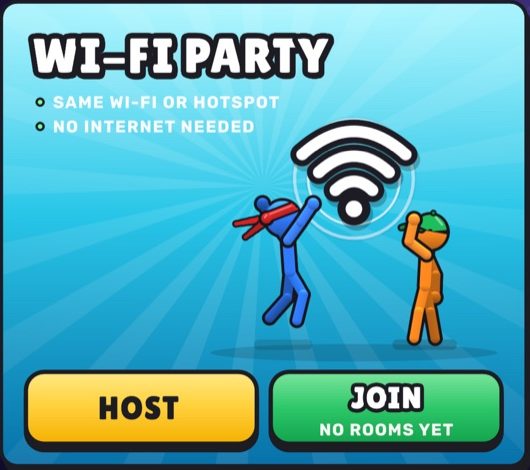
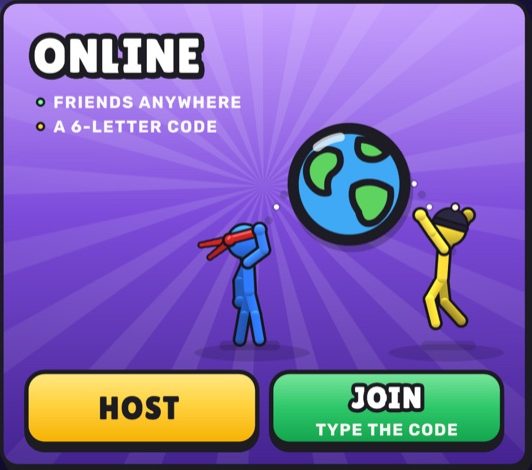
Why: impossible to miss, one tap to host; the two room cards only shrink a little.
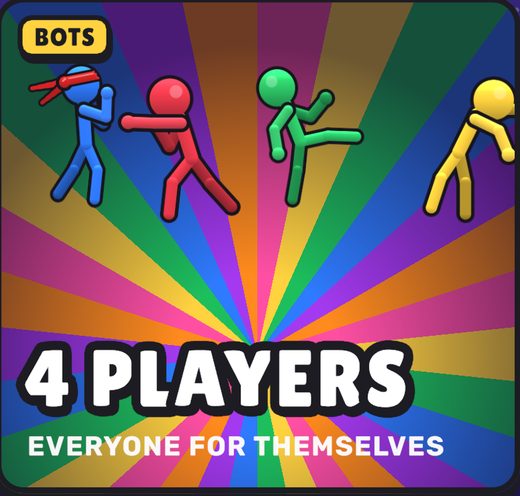
Why: same three-card look as the PLAY screen; the event feels like a real mode with its own art and the rules in plain view.
Why: the screen stays exactly as today; the chip opens the event sheet (spot 5), lowest change.
Room setup: the EVENT mode
Hosting a room: EVENT sits next to FREE FOR ALL / TEAMS / 1V1. Shown with EVENT picked; the event fixes the rules, PLAYERS stays yours.
Why: same row players already know; locked rows say why they are locked, ADVANCED turns into the read-only rules.
Why: one clear ON/OFF; switching it off gives back your normal room with nothing changed.
FOR ALL
Why: the event gets its own art right in the mode pick, so it feels special without a separate screen.
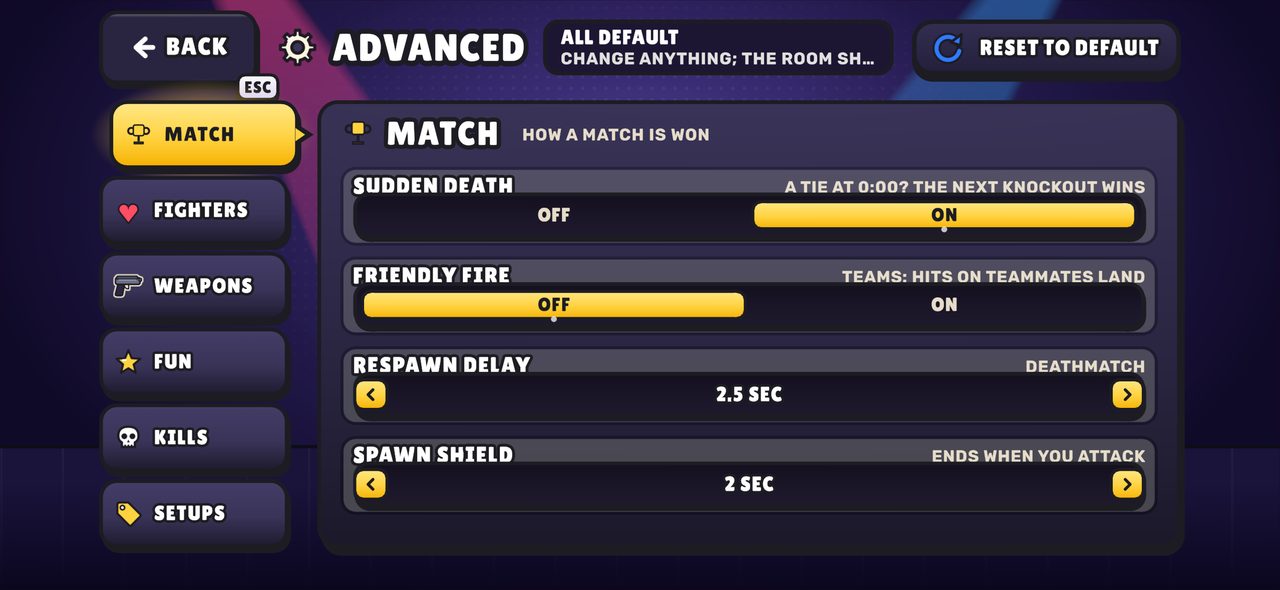
The other tabs (FIGHTERS, WEAPONS, FUN, KILLS, SETUPS) are dimmed: everything not listed stays at the default.
Room LOBBY in an event room
The real ONLINE ROOM with the event on it: rule badges, the code, players + bots, START.
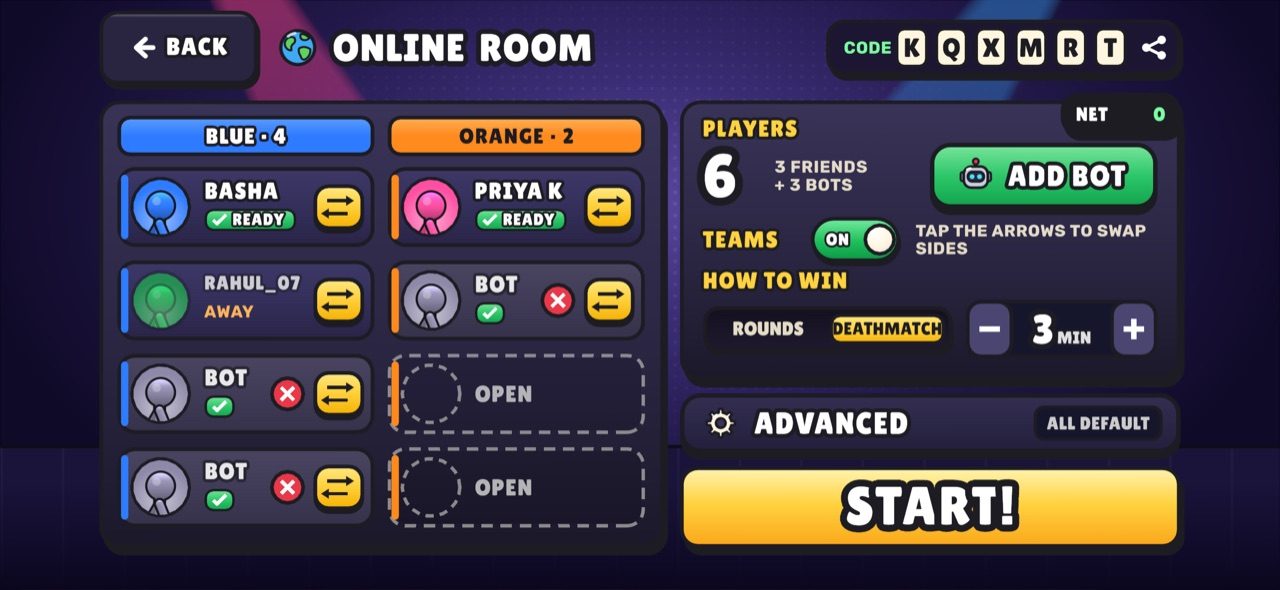
+ 3 BOTS
Why: everyone who joins sees at once that this is an event room and what the rules are; the code stays top-right.
Why: the room looks like the event: big art, name and countdown; player count + ADD BOT move into one slim row.
Why: smallest change to a screen people know; the fire edge still makes event rooms look different at a glance.
HOME: the event banner
On the real home screen while an event is live: countdown, the rule line and a ▶ PLAY button.
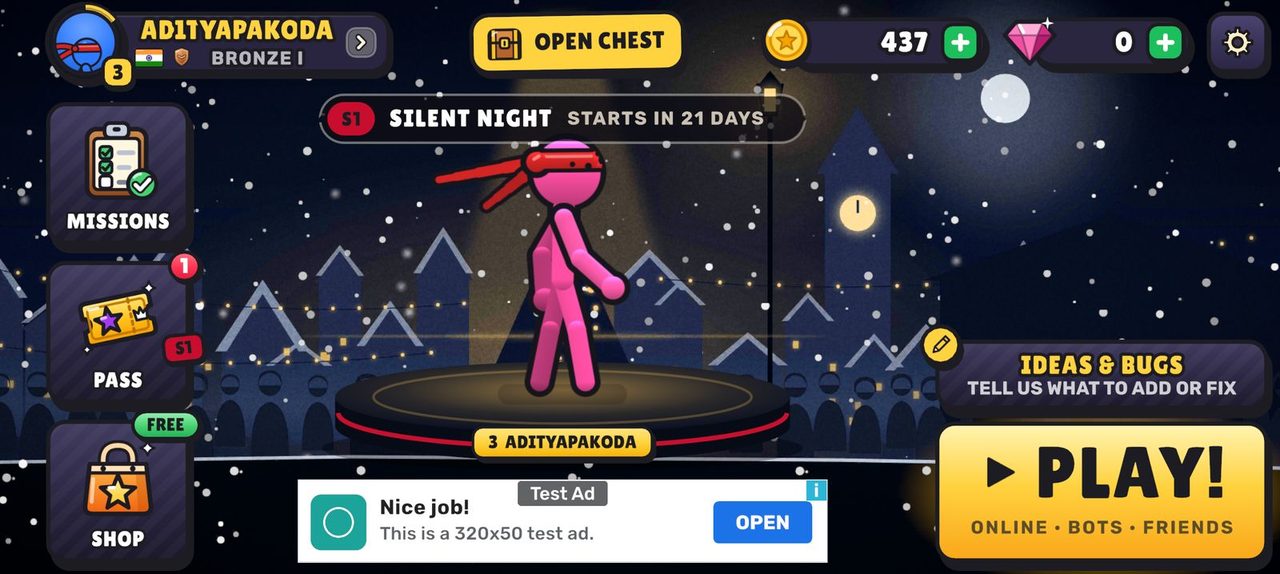
Why: sits right where the thumb already is; IDEAS & BUGS shrinks to the pencil button above.
Why: the biggest, most "poster" spot, right under your fighter; uses the slot where the test ad sits today.
Why: no new space needed; the season strip comes back when the event ends, and PLAY gets a small fire tag.
The EVENT SHEET
Opens from the banner or the event chip: name + art, countdown, rules, rewards, PLAY NOW / PLAY WITH FRIENDS / JOIN WITH CODE.
FRIENDS
CODE
Why: same sheet style as the shop popups; everything on one card, PLAY NOW is the obvious first tap.
Why: the art gets half the sheet (feels like a big moment), the buttons stack where the right thumb is.
AT 500
Why: a real screen, not a popup: same layout as BOTS (art left, panel right, START bottom-right), room for more rules later.
In the match + results
Each variant shows the in-match tag (left, on a real match still) and the results with +120 EVENT POINTS (right).
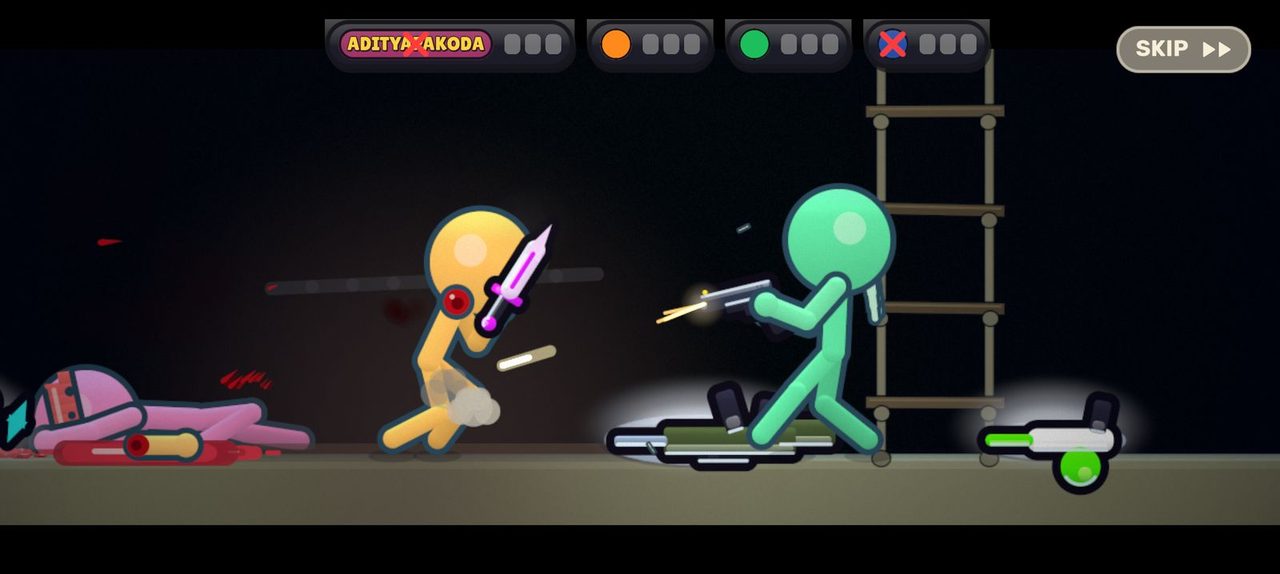
Why: players always know they are in the event; the points are the loudest thing on the results.
Why: keeps the match screen clean; the bar shows what the points are for, which keeps people playing.
Why: the rules are shouted once, when they matter, then the fight has the whole screen; results explain the points.
Older app: "Update Stickbash to join this event"
A friend on an old build types the code of an event room.
TO JOIN THIS EVENT
Why: can't be missed, one big UPDATE button that goes straight to the store.
Why: calm, no popup; the code stays on screen so it's clear which room needs the update.